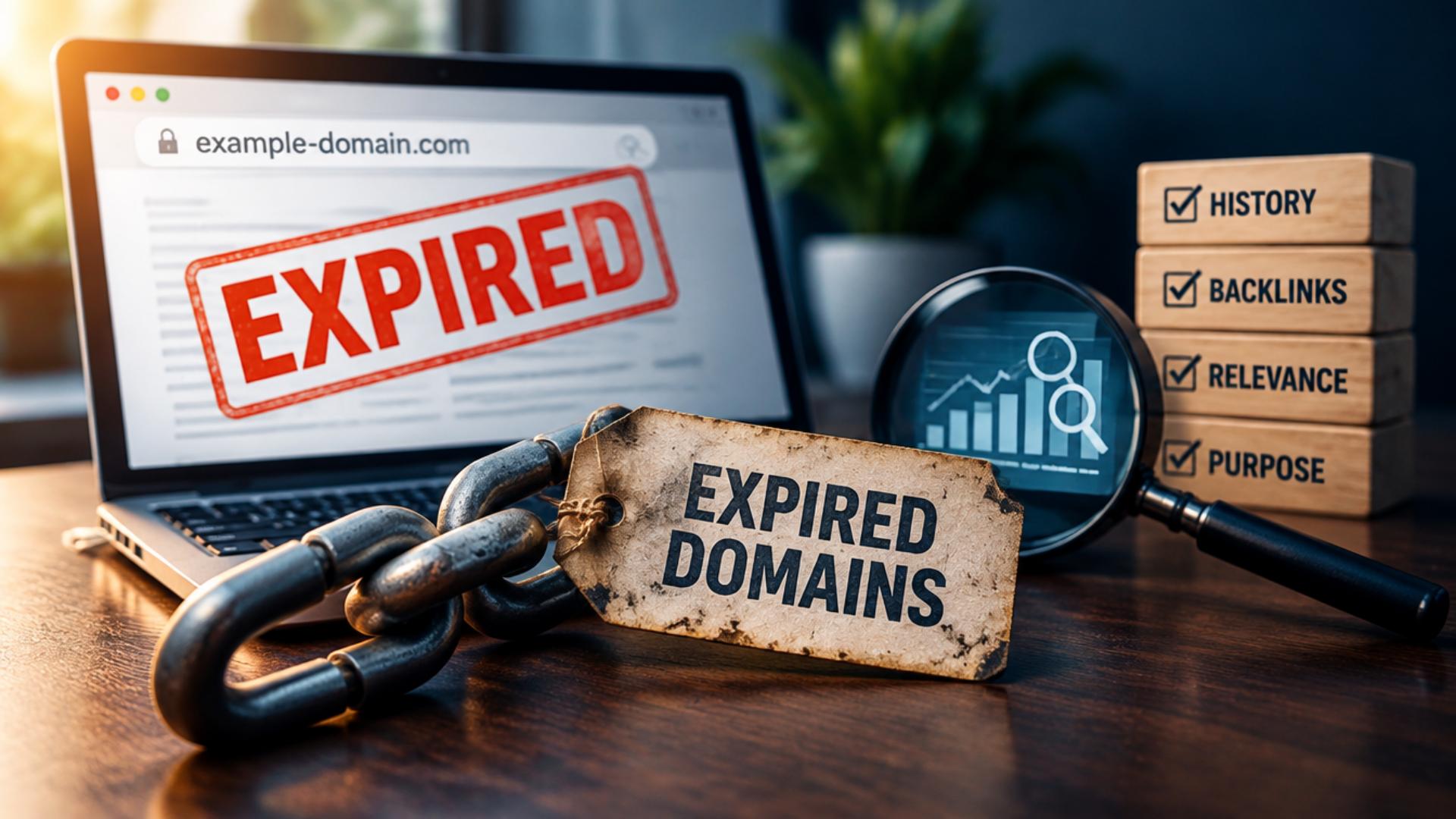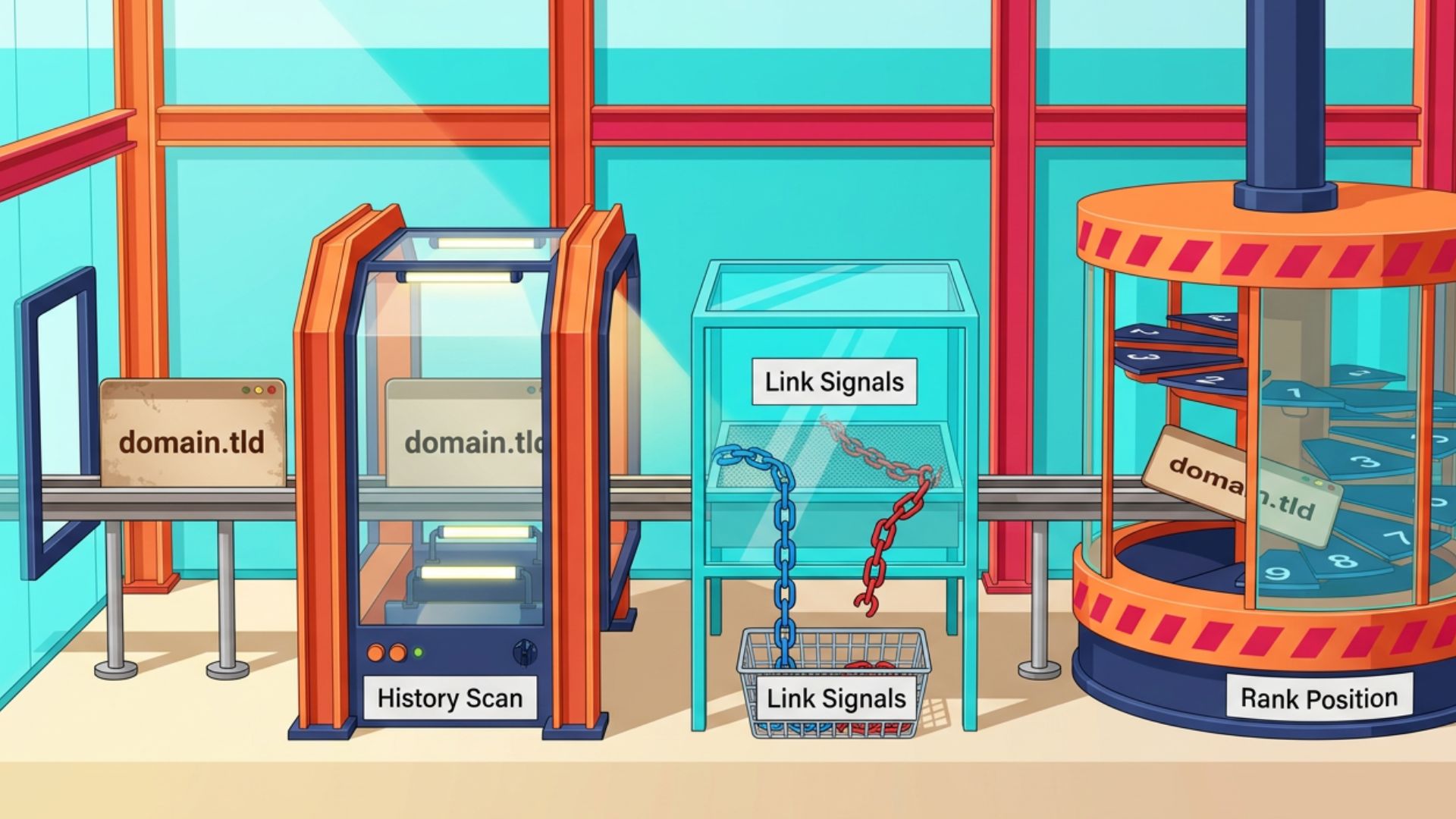

Buying an expired domain based on its age, backlinks, or SEO metrics alone can be risky. A domain that looks valuable at first may have a history of spam, manipulated links, or other abuse that isn’t obvious from its current status. A proper spam check helps uncover those warning signs before money changes hands. By reviewing the its past use, link profile, search history, and other relevant signals, buyers can make a more informed decision and avoid taking on a domain with a problematic history.
1. Check What the Domain Was Used For
Start by reviewing the domain’s previous use before examining its SEO metrics. The Wayback Machine can show how the website looked at different points in time, so check several snapshots rather than relying on the latest one. Look for a consistent purpose, legitimate content, and major changes in topic, language, branding, or site structure. Pay closer attention to sudden additions of unrelated commercial pages, large amounts of low-value content, suspicious redirects, or signs that the site was compromised.
A change in ownership or website topic does not automatically mean the domain was used for spam. The concern is whether its history shows a pattern of manipulation or abuse, particularly if an established site was later repurposed with low-value content to take advantage of its existing search signals. This distinction matters because Google allows old domains to be used for new, original websites; its expired-domain-abuse policy focuses on repurposing domains primarily to manipulate Search rankings.
2. Audit the Backlinks for Spam Patterns
Reviewing the backlink profile helps determine whether the domain’s past authority came from legitimate references or questionable link-building practices. Look at the referring domains, where the links appear, and whether those sites match its historical subject. A large number of backlinks is not automatically a positive sign. Links from unrelated websites, obvious low-quality pages, sitewide placements, or unusual clusters of referring domains can indicate that the profile needs closer investigation.
Focus on the overall pattern rather than individual links. A few poor-quality backlinks are common and don’t necessarily make a profile unusable. The bigger concern is a backlink profile where irrelevant or manipulative-looking links make up a substantial part of its history, particularly when they appear alongside suspicious anchor text or other signs of artificial link building.
3. Inspect the Anchor Text for Manipulation
After reviewing the backlinks themselves, examine the anchor text used in those links. A natural profile will usually contain a mix of branded terms, URLs, generic phrases, and contextually relevant wording. Repeated commercial keywords, especially exact-match phrases that have little connection to the domain’s historical subject, deserve closer attention. The same applies to clusters of unrelated terms associated with industries such as gambling, pharmaceuticals, or adult content.
Don’t judge the profile by a fixed percentage or one unusual phrase. No universal anchor-text ratio proves a domain is clean or spammy. Instead, consider whether the wording makes sense alongside the site’s previous purpose and the websites linking to it. When suspicious anchor text appears across many unrelated referring domains, it becomes a stronger indication that its backlink history deserves further investigation.
4. Check Whether the Domain’s Search History Supports Its SEO Value
Historical search performance can help you determine whether the domain’s SEO value is supported by real search visibility. Review available data for organic traffic, ranking keywords, and major changes over time. A sharp decline does not automatically mean the domain received a Google penalty, since traffic can fall for many other reasons, including competition, algorithm changes, lost links, technical problems, or changes in search demand. The goal is to identify unusual patterns that deserve further investigation.
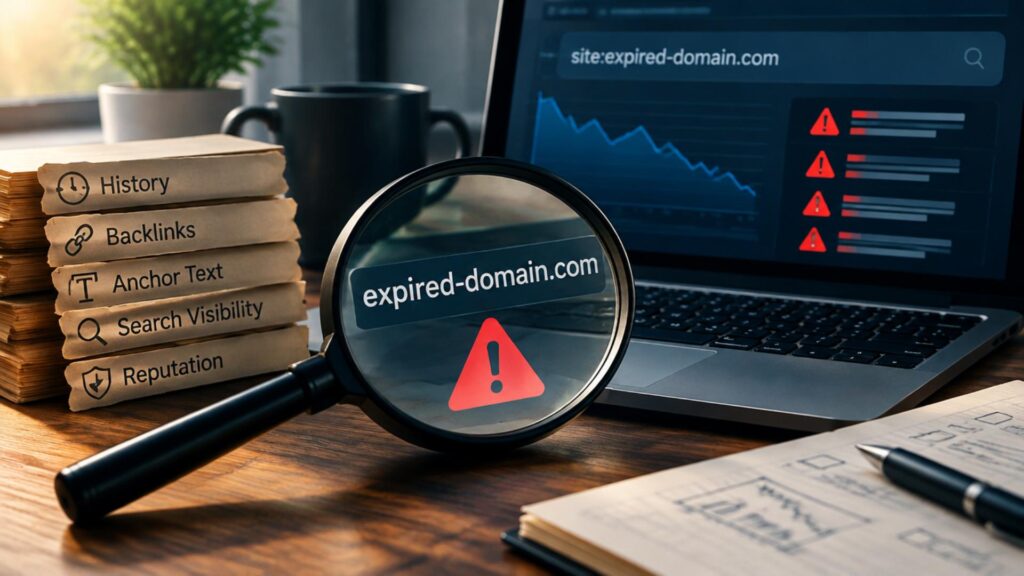
You can also search Google for the domain and specific terms related to its previous content to see what remains visible. A site: search can provide a quick signal, but don’t treat it as a definitive indexing or penalty test because Google says these results are not exhaustive. Search Console offers more detailed checks after you verify domain ownership.
5. Check for Other Signs of Domain Abuse
Look beyond SEO metrics for evidence that the domain was previously abused. Review its history for hacked pages, malware, phishing content, or other suspicious activity that may not show up in backlink data. Also check relevant reputation or blocklist services for signs that the domain was associated with spam or malicious activity. These checks can reveal problems that a conventional SEO audit may miss.
Keep security and reputation findings separate from Google’s assessment of a domain. A listing on a blocklist, for example, does not prove that Google has issued a Search penalty. Treat these results as additional evidence of past use, then consider them alongside archived content, the backlink profile, and other findings before deciding whether the domain is worth buying.
Can You Confirm a Google Penalty Before Buying?
You generally cannot confirm a previous owner’s Google Manual Action before purchasing the domain because the relevant Search Console data is tied to verified site access. Before buying, you can only look for indirect warning signs such as unusual historical content, manipulated backlinks, sharp search-visibility changes, or other evidence of abuse. These signals can help assess risk, but none of them can independently confirm that Google issued a penalty.
After acquiring the domain, verify it in Google Search Console and check the Manual Actions and Security Issues reports. Google specifically provides these reports to site owners and notes that a recently acquired site may still have existing issues from its previous use.
How to Decide if the Domain Is Too Risky to Buy
One warning sign does not automatically make an expired domain a bad purchase. A single irrelevant backlink, unusual anchor phrase, or period of low traffic can have a reasonable explanation. Look at the findings together and ask whether they form a consistent pattern.
Signals That Deserve a Closer Look
- A large number of backlinks from unrelated websites
- Repeated commercial or exact-match anchor text
- Historical pages filled with unrelated or low-value content
- Sudden changes in the site’s purpose or topic
- Unexplained drops in search visibility
- Suspicious redirects or signs of hacked content
- Multiple reputation or security warnings
These signals become more concerning when several appear together. For example, spam-heavy historical content combined with irrelevant referring domains, commercial anchor text, and unusual search-history changes provides stronger evidence of a problematic past than any one signal alone. The goal is not to find a domain with a perfect history, but to determine whether the available evidence supports buying it.
Conclusion
Spam-checking an expired domain is less about finding a perfect history and more about understanding what happened to it before it became available again. Reviewing its past content, backlinks, anchor text, search history, and reputation can reveal patterns that are easy to miss when relying on SEO metrics alone. When several warning signs point to manipulation or abuse, the domain may not be worth the risk. A careful review before buying gives you a clearer basis for deciding whether its history supports your intended use.